Why AI Won’t Replace the Product Owner and How to Make It Do the Tedious Work
AI will not replace the Product Owner, but it will expose Product Owners whose main output is paperwork.
Every few weeks, someone asks me some version of the same question: if AI can write user stories, acceptance criteria, and release notes, what is a Product Owner for? It is a fair question. A lot of what fills a PO’s week really can be generated now, and faster than any of us can type it.
I’m Andrei, a Product Owner at ASSIST Software in Romania, with a technical background in mobile development. I have spent the last three years in the role, and I use AI every week. This article makes two arguments. First, why the core of the role cannot be handed to a model. Second, how to hand over the tedious parts, so you get more time for the work that actually needs you.
The job was never writing tickets
The Scrum Guide does not make the Product Owner accountable for writing backlog items. It makes them accountable for maximizing the value of the product that the team builds.
In practice, that accountability covers four things:
- The Product Goal. A clear, long-term objective the team works towards, and the reason behind it.
- Ordering the backlog. Deciding what comes first, what waits, and what never happens.
- Stakeholders. Turning many competing wishes into one direction people can accept.
- Transparency. Making sure everyone understands what is being built and why.
The Scrum Guide also notes that the Product Owner can delegate the work of writing backlog items to others while remaining accountable for them. AI is simply one more place to delegate that writing. The accountability stays where it was.
This is the key point. A model can produce an answer, but it cannot own the consequences of that answer. When a release misses its goal, nobody asks the language model to explain itself to the stakeholders.
Five things AI cannot do for a Product Owner
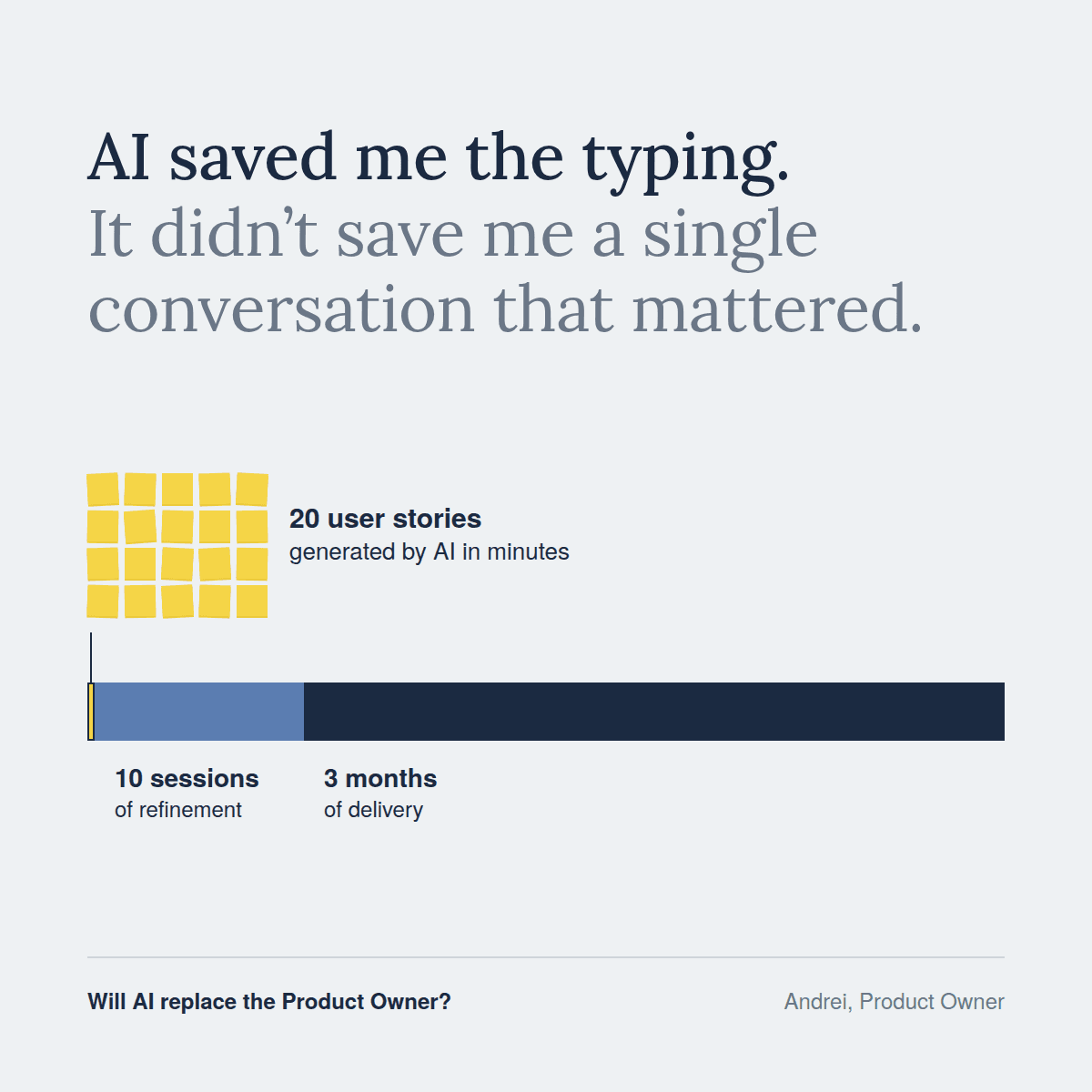
1. Decide what not to build
AI can generate ten well-written user stories in a minute. It cannot tell you which nine to drop. Saying no to good ideas is the hardest part of ordering a backlog, and it depends on strategy, timing, and capacity that no prompt fully captures.
2. Own a trade-off
A sales request, a technical risk, and the long-term product goal often pull in different directions. AI can list the pros and cons of each option. It cannot choose one and stand behind the choice when it turns out to be expensive.
3. Say no and keep the relationship
Stakeholder management is built on trust that grows over months. A refusal lands differently when it comes from someone who has listened, explained, and kept earlier promises. A generated message, however polite, carries none of that history.
4. Read the context behind the feedback
AI is very good at summarising app store reviews or support tickets. But a summary cannot tell you whether a complaint comes from your most important customer segment or from a loud minority. That judgment needs knowledge of the business, the users and the strategy.
5. Be accountable
When something goes wrong, someone has to explain what happened, learn from it, and change course. That person is the Product Owner. Accountability is the one part of the role that cannot be delegated to a colleague or to a model.
What happened on my last project
On a recent project, the hardest part was not writing anything. It was gathering information from stakeholders, getting them to agree on what needed to be done, and deciding what went into which iteration. The design was the easy part, thanks to a great colleague.
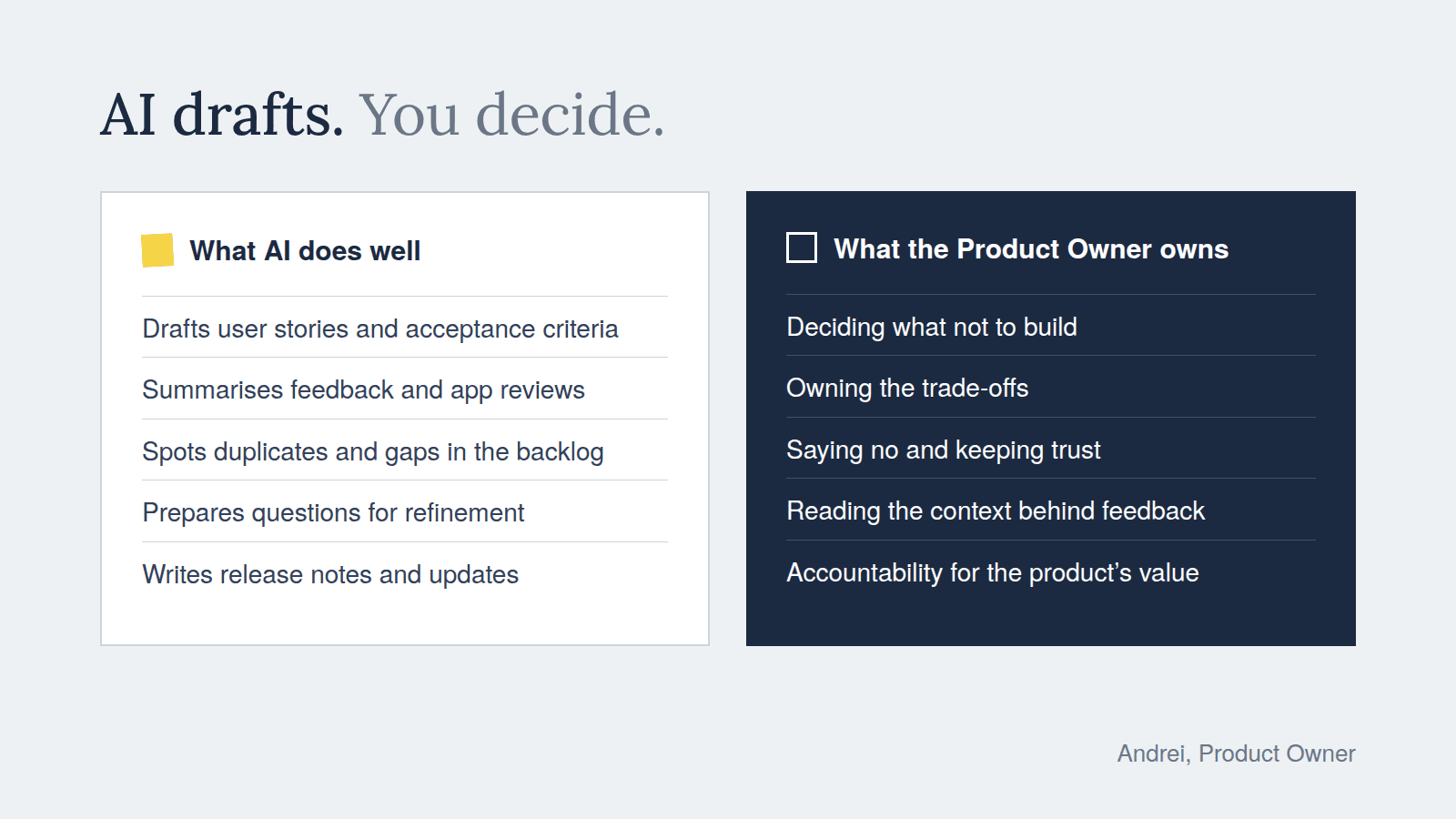
Then AI generated 20 user stories within minutes.
Those 20 stories still took 10 refinement sessions with the team to understand and estimate, and three months to deliver. AI saved me the typing. It did not save me a single conversation that mattered.
The refinement sessions were not a waste of time. They were where the team found the real questions.
- One story said users should be blocked from visiting specific websites. The team immediately asked: should we block the whole domain, or only certain subdomains?
- Another story asked for a history log of changes to an object. The team wanted to know how much detail to show, and whether to include all the metadata, since the log would also serve as an audit trail. The AI-generated stories had not raised either question. Both were decisions only I could make.
How to make AI do the tedious work
The rule I follow: AI drafts, I decide. Anything that turns my thinking into text, or turns a pile of text into something I can think about, is a good candidate for AI. Anything that requires a decision stays with me.
| Task | What AI does | What you still own | Example prompt |
| User stories | Turns meeting notes into draft stories with acceptance criteria | Whether each story is worth building, and its order | “Here are my notes from the stakeholder meeting. Draft user stories in the format As a / I want / So that, with 3 to 5 acceptance criteria each. Mark anything you had to assume.” |
| Refinement prep | Lists open questions, edge cases, and dependencies before the session | Which questions matter and who should answer them | “Review these stories as a senior mobile developer. List unclear points, missing edge cases, and likely dependencies.” |
| Feedback analysis | Group app store reviews or support tickets into themes | Which themes affect your goal and which are just loud | “Group these 200 reviews into themes. For each theme, give the count and two representative quotes.” |
| Backlog hygiene | Finds duplicates, overlaps, and stories that are too large | What to merge, split, or delete | “Find duplicate or overlapping items in this backlog export, and stories that look too large for one sprint.” |
| Release notes | Writes user-facing notes from completed items | Tone, emphasis, and what you choose to highlight | “Write short release notes for end users from these completed stories. Plain language, no technical terms.” |
| Stakeholder updates | Draft a sprint summary or status email | Tone, emphasis, and what you choose to highlight | “Write short release notes for end users from these completed stories. Plain language, no technical terms.” |
Three habits make these prompts work much better:
- Give context first. Share the product goal, the users, and the constraints before asking for output. Generic input produces generic stories.
- Ask AI to mark its assumptions. This turns hidden guesses into visible questions for refinement.
- Never paste confidential data into tools your company has not approved. Check your organization’s policy first.
Where AI makes things worse
Used carelessly, AI does not just fail to help. It creates new problems.
- A bloated backlog. When creating a story costs nothing, a backlog of 300 stories costs nothing too, until the team drowns in it. Generate less, delete more.
- Invented requirements. AI fills gaps with plausible guesses. A confident acceptance criterion that nobody asked for can quietly become scope. Every generated story needs a human who can say where it came from.
- False confidence. Well-formatted stories look finished. They are not. A polished draft can make a team skip the conversation that would have revealed the real problem.
- Lost team understanding. Refinement exists so the team builds shared understanding. If AI writes the stories and the team only reads them, that understanding never forms.
The common fix is simple: treat every AI output as a first draft for a conversation, not as a decision.
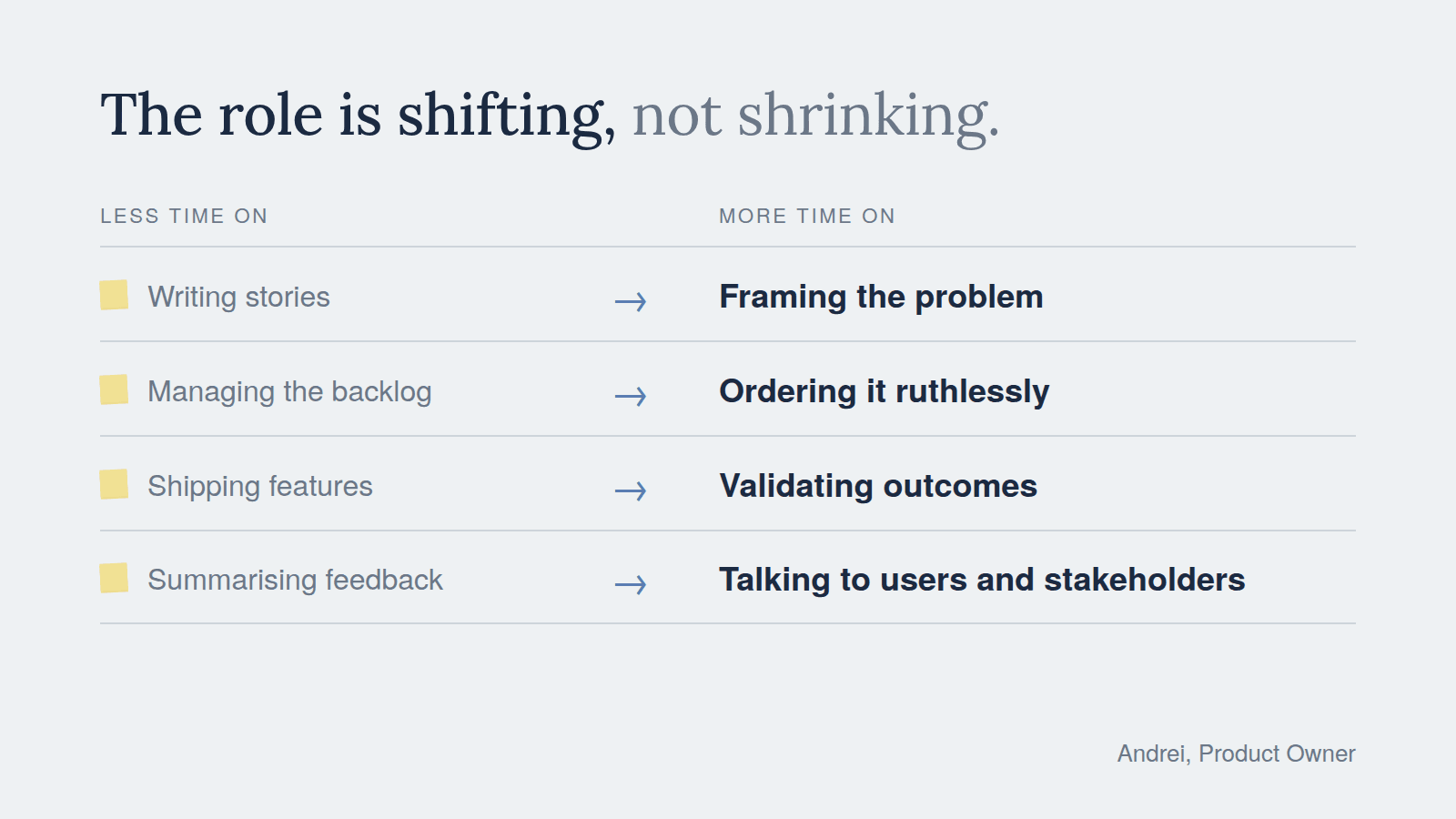
The role is shifting, not shrinking
AI takes away the typing. What remains is the part of the job that was always the most valuable:
| Less time on | More time on |
| Writing stories | Framing the problem |
| Managing the backlog | Ordering it ruthlessly |
| Shipping features | Validating outcomes |
| Summarising feedback | Talking to users and stakeholders |
The scarce skill is no longer producing the work. It is deciding what is worth doing and owning that decision.
So AI will not replace the Product Owner. But a Product Owner who uses AI well will have more time for judgment, conversation, and strategy than one who does not.